
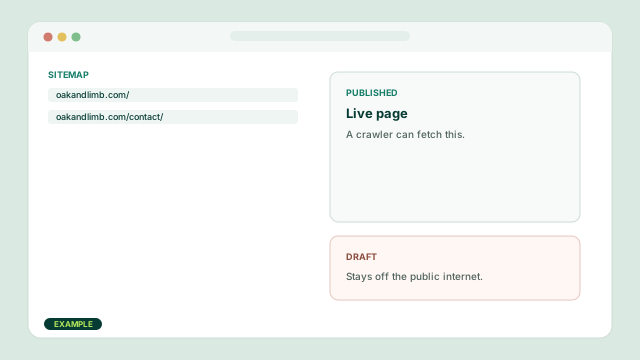
Find
A crawler follows a link, a sitemap, or a domain you already own. Unpublished drafts stay off the public internet.
Learn / Website Studio
Titles, headers, Studio sections, SEO, and AEO in the words the builder actually uses. This is a guide. It is not a ranking package and it does not promise a search position.

On this page
Read it in order the first time. After that, skip. Pictures below use a sample shop. They are not a customer site.
How ranking works
Google and other engines do not watch you type in Website Studio. They fetch the published page. Useful pages in the town you serve still have to beat other useful pages. Nobody here can promise the order.
A crawler follows a link, a sitemap, or a domain you already own. Unpublished drafts stay off the public internet.
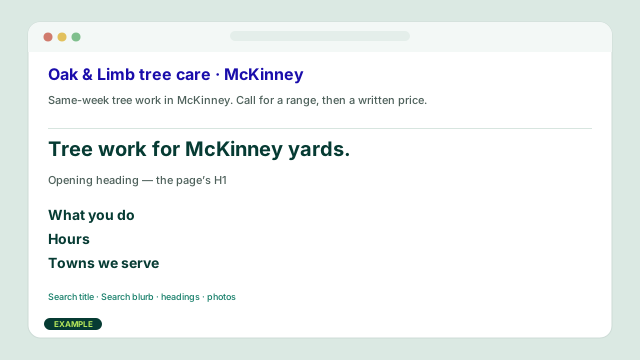
It looks at the Search title, the Search blurb, the Opening heading, the other headings, the words, and the photos.
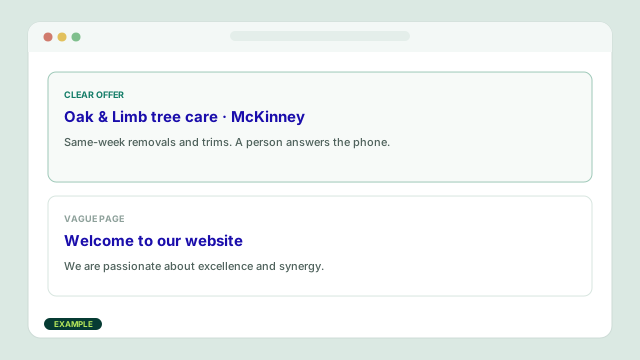
It weighs whether the page answers the search, whether the business looks real, and whether people stay or leave.
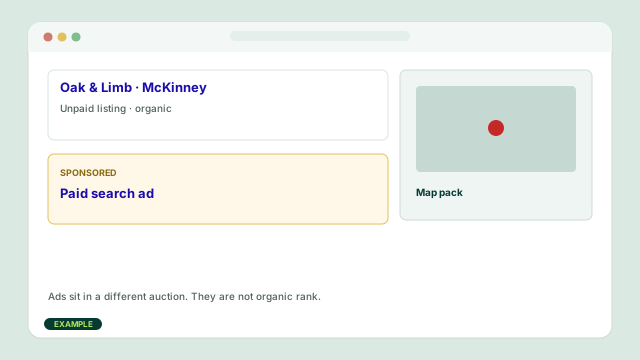
A listing, a map pack, or an AI answer may appear. Paid Search ads sit in a different auction. They are not organic rank.
The main fields
Website Studio keeps search copy in site settings. The Opening heading is the visible H1 on the page. Extra pages add the page name after the Search title.
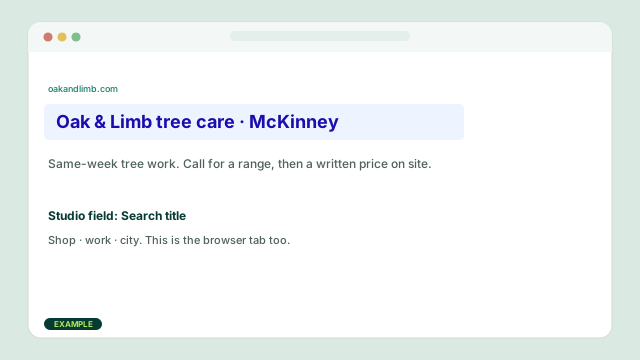
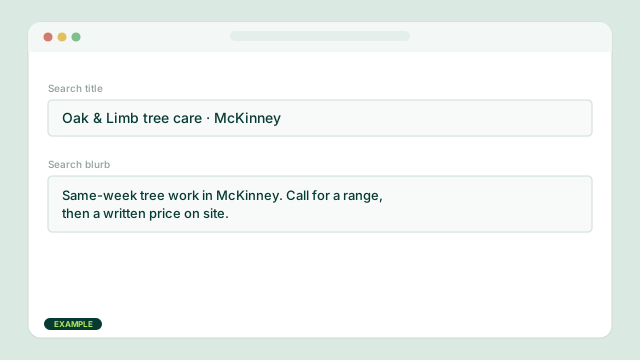
The browser tab and the blue line in a search result. Write the shop, the work, and the city. Studio uses this field, or the shop name if you leave it blank.
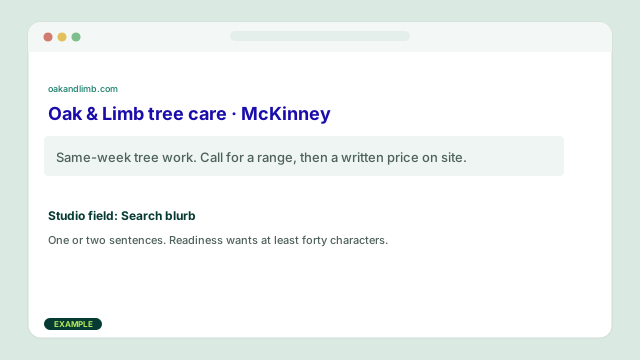
The one or two sentences under the title. Studio calls this Search blurb. Readiness wants at least forty characters. Say who you help and what happens when they call.
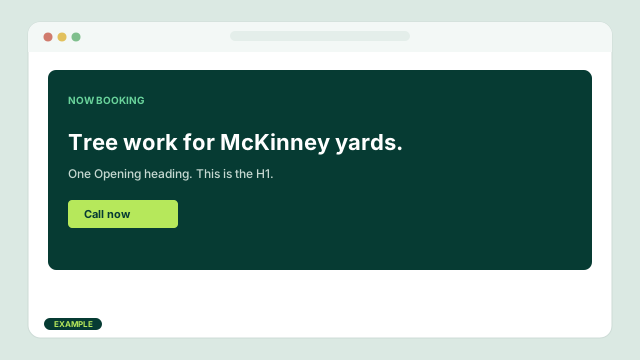
The first heading a person sees. Keep one. Name the offer, not a slogan. Search engines treat this as the page’s H1.
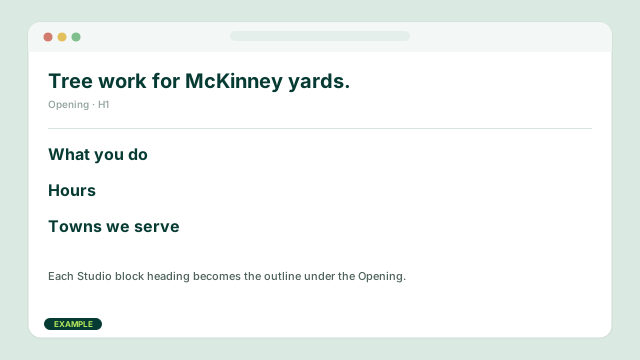
Each Studio block has its own heading. Those become the outline under the Opening. Use them for real questions: hours, towns, what you do.
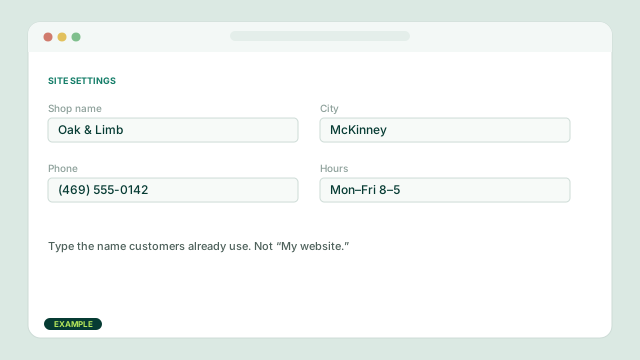
Studio readiness also checks the shop name, city, phone, email, and hours. Those lines show up on the page and help a local search match the real business.
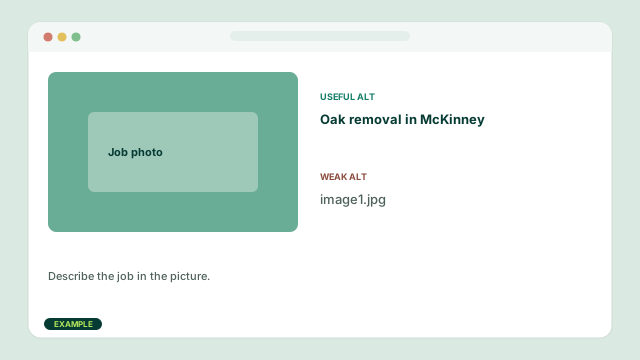
Describe the job in the picture. “Kitchen remodel in McKinney” helps more than “image1.” Stock smiles are a weak start; a photo from the truck is better.
The acronyms
People mix these words. The work on the page is the same either way: clear titles, true copy, and an answer a neighbor can use.
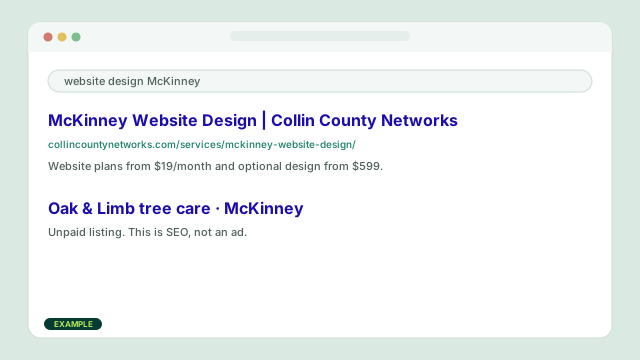
Search engine optimization is the work of helping a published page appear in unpaid results. On a CCN site that means the Search title, Search blurb, headings, towns, hours, and pages you actually keep current.
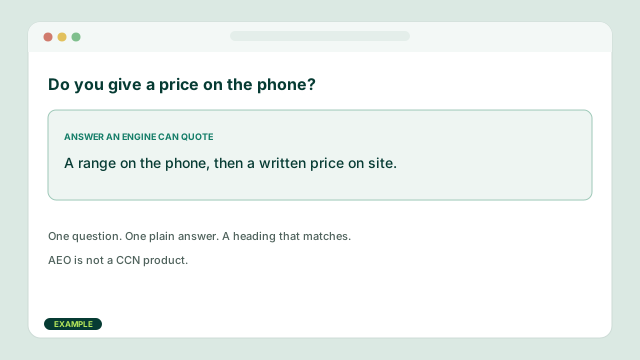
Answer engine optimization is writing so an AI overview or chat answer can quote you. One question, one plain answer, a heading that matches the question. FAQ blocks help when the answers are real.
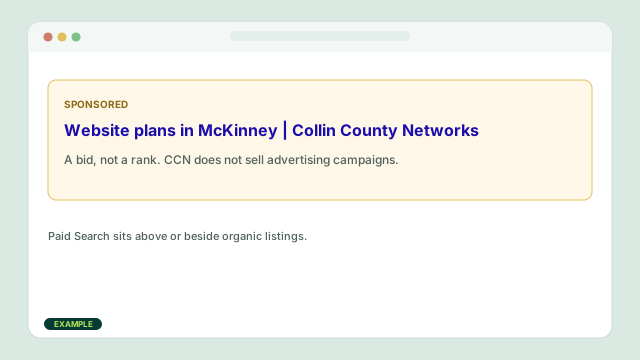
Ads are a bid, not a rank. A click can land on this shop’s site. That is advertising, not organic search. CCN does not sell advertising campaigns.
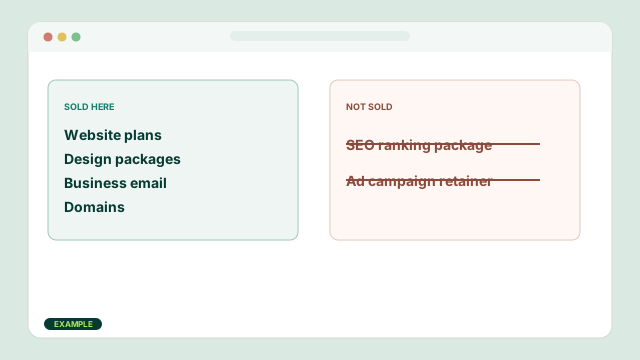
We do not sell advertising campaigns or SEO ranking packages. Published website, email, and domain prices are the offer. Growth includes search setup tools on the site you publish. It does not buy you a position.
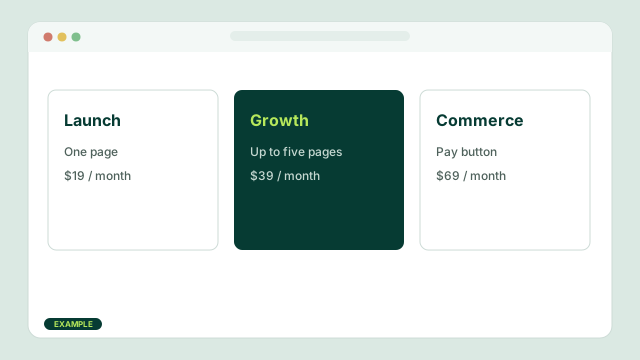
Launch is $19 a month and one page. Growth is $39 and up to five pages with search setup, forms, and conversion tools. Commerce is $69 and adds the Pay button for a Payment Link from your own Stripe account.
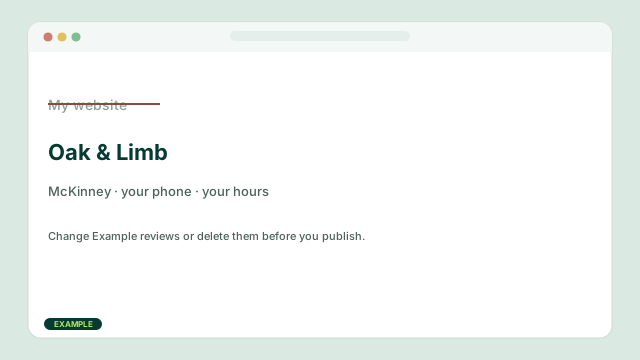
Type over the starter name, city, phone, hours, and example reviews. Readiness will keep the leftover Example lines on the list until you change or delete them.
Open site settings. Write the shop, the work, and the city in Search title. Write one or two sentences in Search blurb. Connect the domain on the account, not in this field.
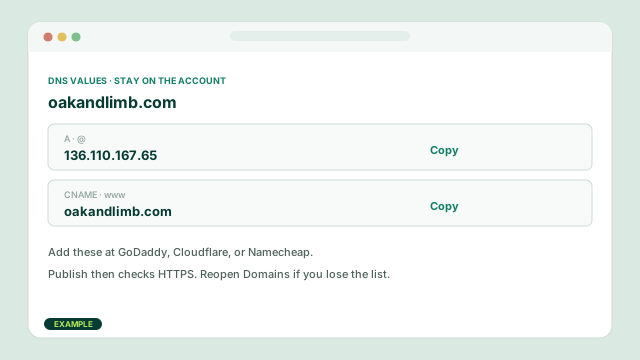
Buy a name on Domains, or type one you already own. CCN shows the A record @ 136.110.167.65 and the www CNAME. Copy those at GoDaddy, Cloudflare, or Namecheap. They stay on the account. A CCN subdomain is ready if you skip this.
The paid Publish button puts the site on the internet. If the name already points here, that click also checks HTTPS. If you have not paid, that same button starts the plan. CCN does not review the pages first.
Website Studio catalog
These are the block names in the builder. You do not need every block.
A one-page Launch site usually needs these four.
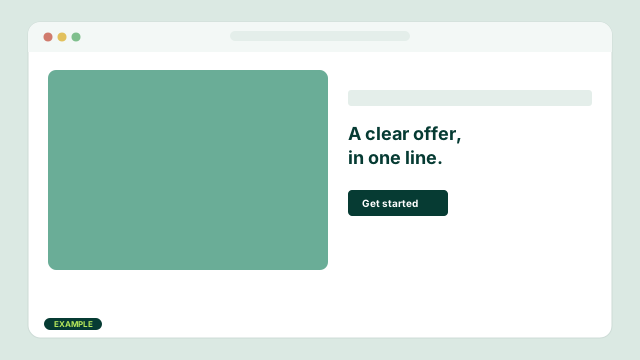
The first thing a customer sees: photo, promise, and a button. This heading is the page’s main title. Keep one Opening per page.
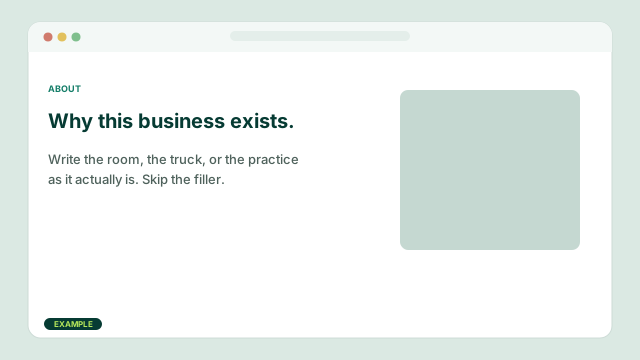
Who you are and why a neighbor would call you. Write the room, the truck, or the practice. Skip filler about being passionate.
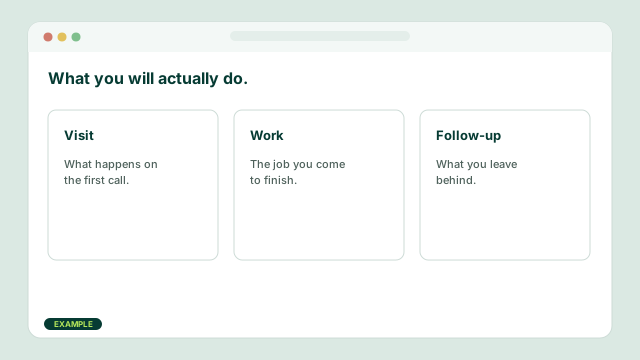
Three offers, in plain words. Price can wait for the phone. Name the visit, the work, and the follow-up.
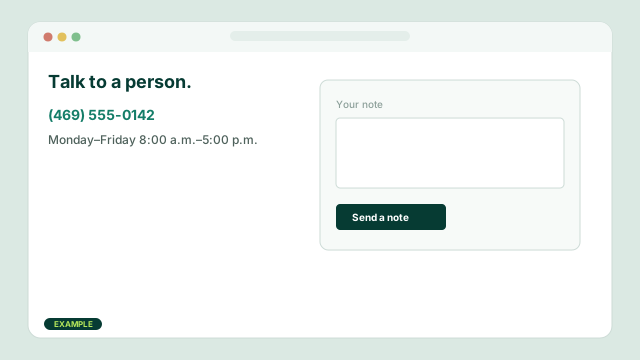
Phone, hours, and a note. After you publish, visitor notes land on the account. Keep a way to write you on every site.
Add these when the work needs them.
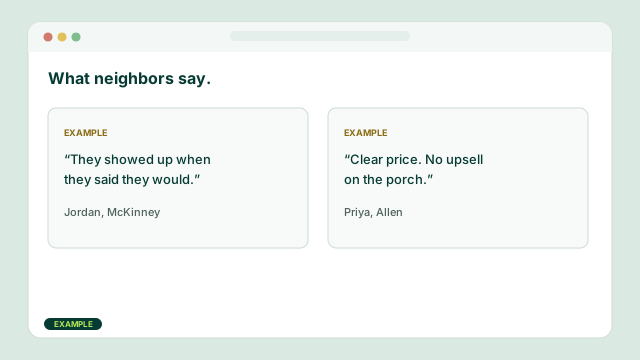
Names and towns you can stand behind. Starter quotes are marked Example. Change them or delete them before you publish.
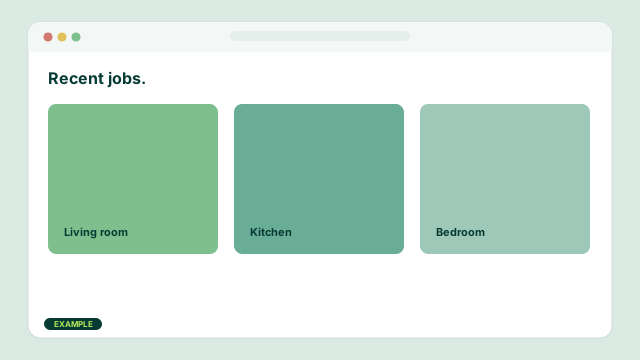
Photos of jobs, not stock smiles. A living room you finished beats a catalog grin.
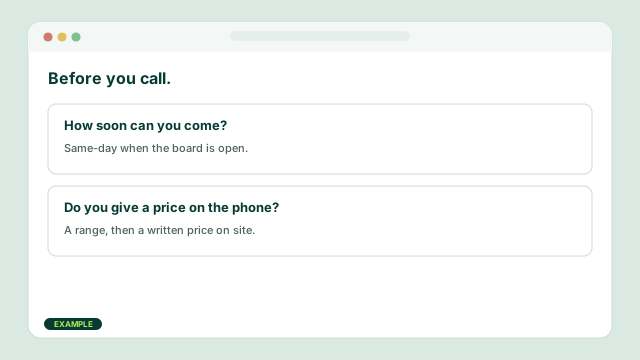
The three questions that delay a booking. Hours, price range, and how soon you can come belong here.
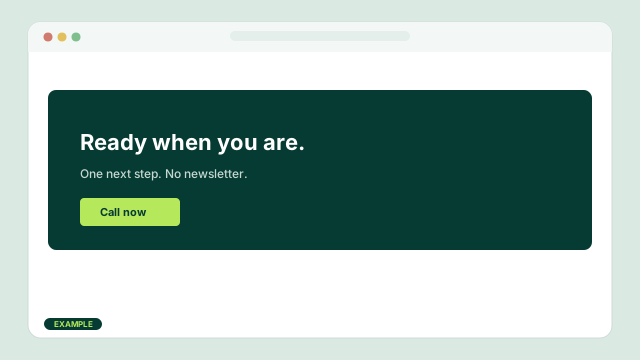
One closing ask. Call, book, or pay. No newsletter signup.
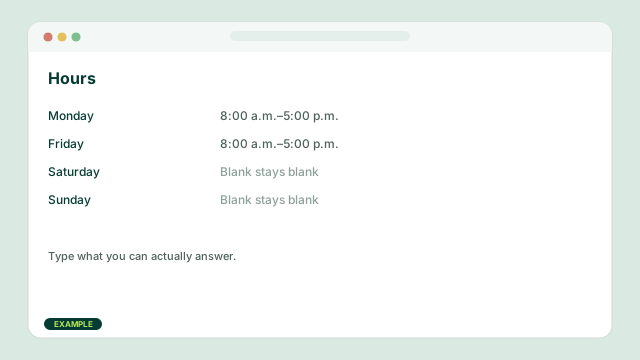
Days and times on the page. Type what you can actually answer. Blank Saturday stays blank.
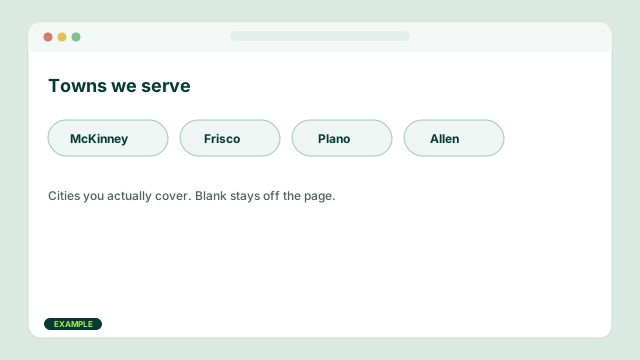
Cities you actually cover. Blank stays off the page. McKinney, Frisco, Plano, and Allen belong here if you work them.
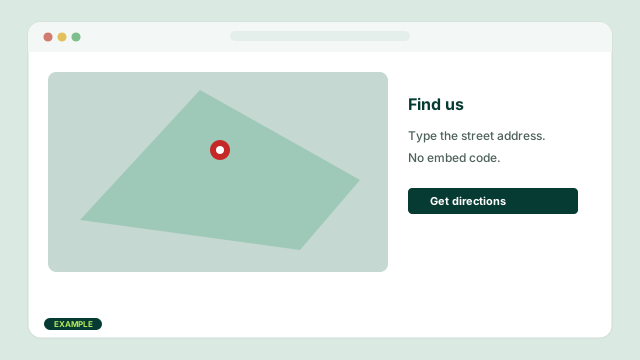
Your street address on Google Maps. Type the address. You do not paste embed code. City-only shops can leave this off.
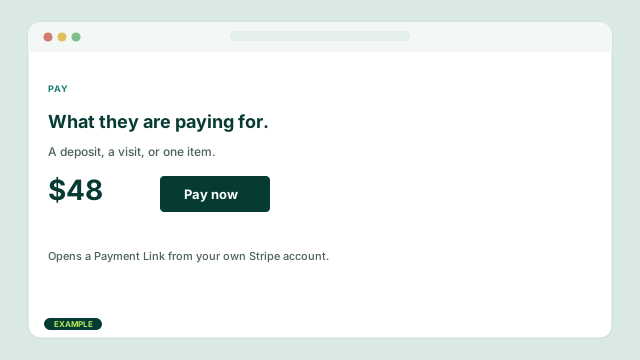
A price label and a button to a Payment Link from your own Stripe account. Commerce plans use this. CCN does not take the card on that button.
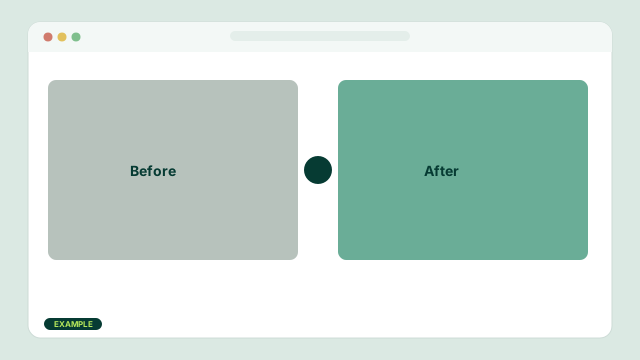
Two photos of the same job. Drag the slider. Use it when the work is visible.
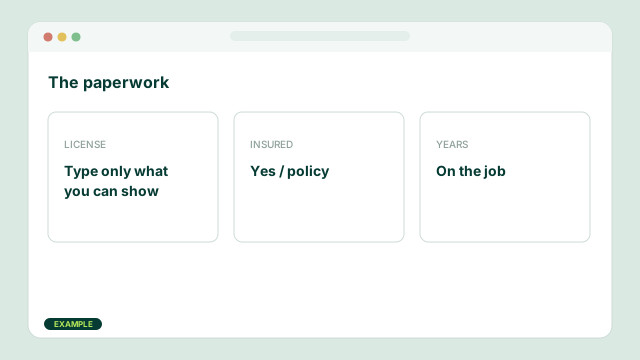
License, insured, years on the job. Type only what you can show. Starter license lines are placeholders.
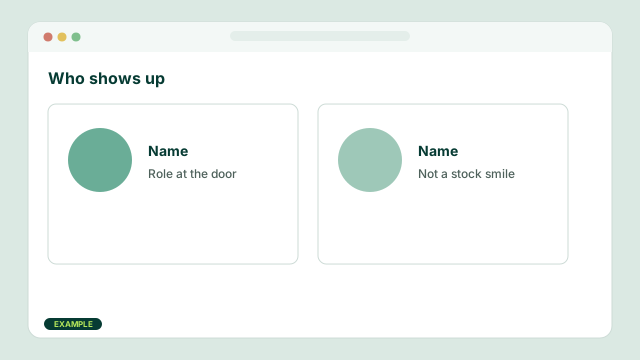
Name, role, and a photo of the person at the door. Not a stock smile.
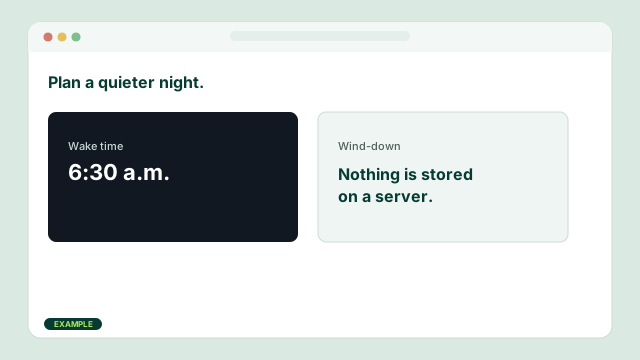
A wake-time and wind-down tool on some templates. Nothing is stored on a server. Skip it unless the site is that kind of shop.
Organic search
These are the moves that still work. They take time. They do not replace a useful offer in the town you serve.
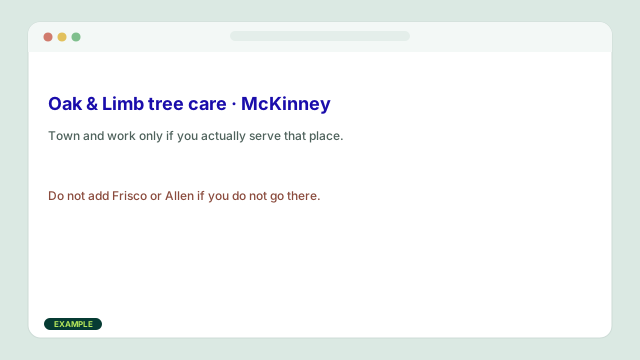
Put McKinney, Frisco, Plano, Allen, or Collin County in the Search title and the Opening only when you actually serve that place.
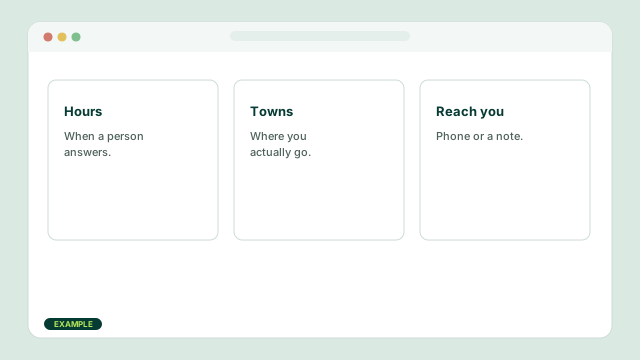
Hours, towns, what you do, and how to reach you. A Before they call block is for the three delays, not a brochure.
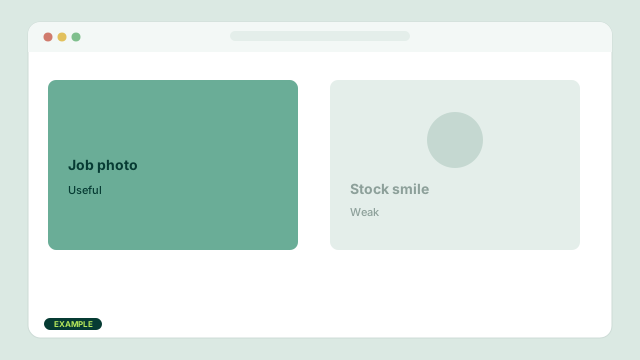
Replace Example reviews. Put a job photo on the page. Fake quotes and stock smiles get you ignored.
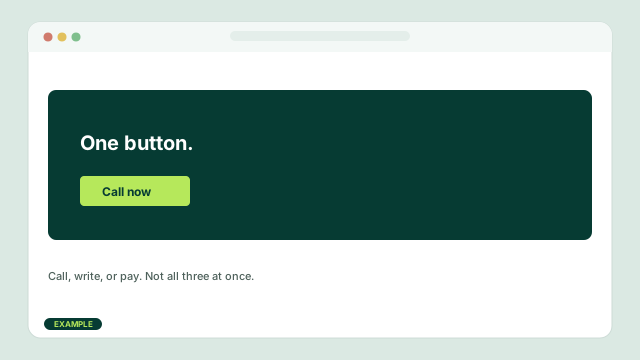
Call, write, or pay. Three competing buttons waste the visit that search just sent you.
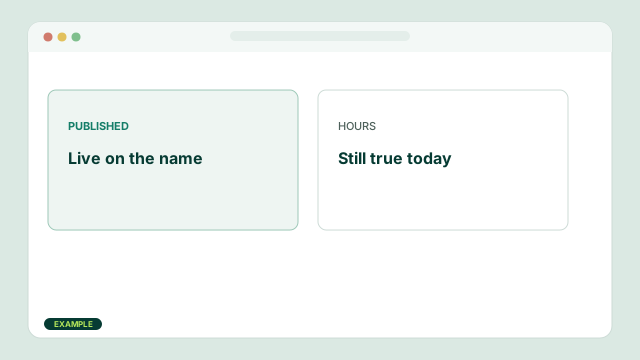
Publish the site. Keep hours true. Add a page when the plan allows it. Link the same phone and city you use on the door and on Google Business Profile, if you have one.
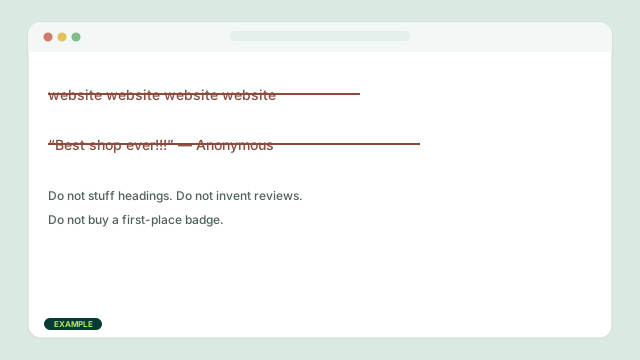
Do not stuff the same phrase into every heading. Do not invent reviews. Do not buy a first-place badge. Do not treat an AI rewrite as a substitute for the shop you actually run.
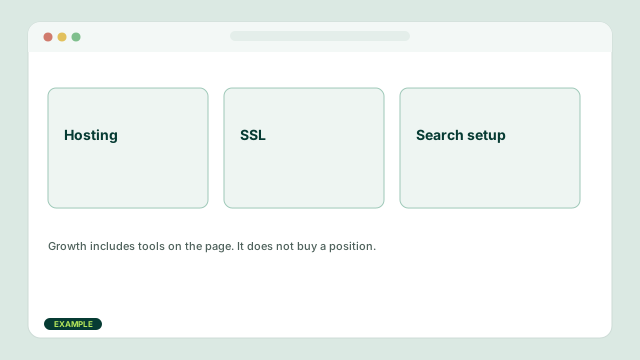
Managed hosting, SSL, and the published page. Growth includes search setup tools. Design packages write the first draft. None of that is a ranking retainer.
After you read this
Launch is $19 a month. Design packages are separate. This page is still a guide, not a ranking package.
Questions
The same limits as the rest of the shop. No ranking package. You publish.
No. This shop sells website plans, professional design packages, business email, domains, and DNS help. There is no advertising retainer and no SEO ranking package.
Open the site settings in Website Studio. Search title is the tab and result title. Search blurb is the short description under it. Extra pages add the page name after the search title.
AEO means writing a page so an answer engine can quote a clear answer. Use one question, one plain answer, and a heading that matches what people ask. It is not a CCN product.
You publish after the monthly plan is paid. That click is yours. CCN does not review the pages first.
Yes. Connect the name on Domains. CCN shows the A and CNAME values to copy at your current DNS host. They stay listed on the account if you lose them. Publish then checks HTTPS. A CCN subdomain is also available.
Need a hand in the builder?
Tell us the shop, the city, and whether the question is a title, a section, or which plan to start. This is support for the website, not a ranking audit.
Monday through Friday, 10:00 a.m. to 4:00 p.m. Central Time.
Review the privacy notice before sending personal information.